Getting Started
Quick Setup
Go from a blank account to a live scored feed in under 5 minutes.
Three steps: fill in your Brand Brief, add at least one Monitor, then wait up to 30 minutes for your Feed to populate.
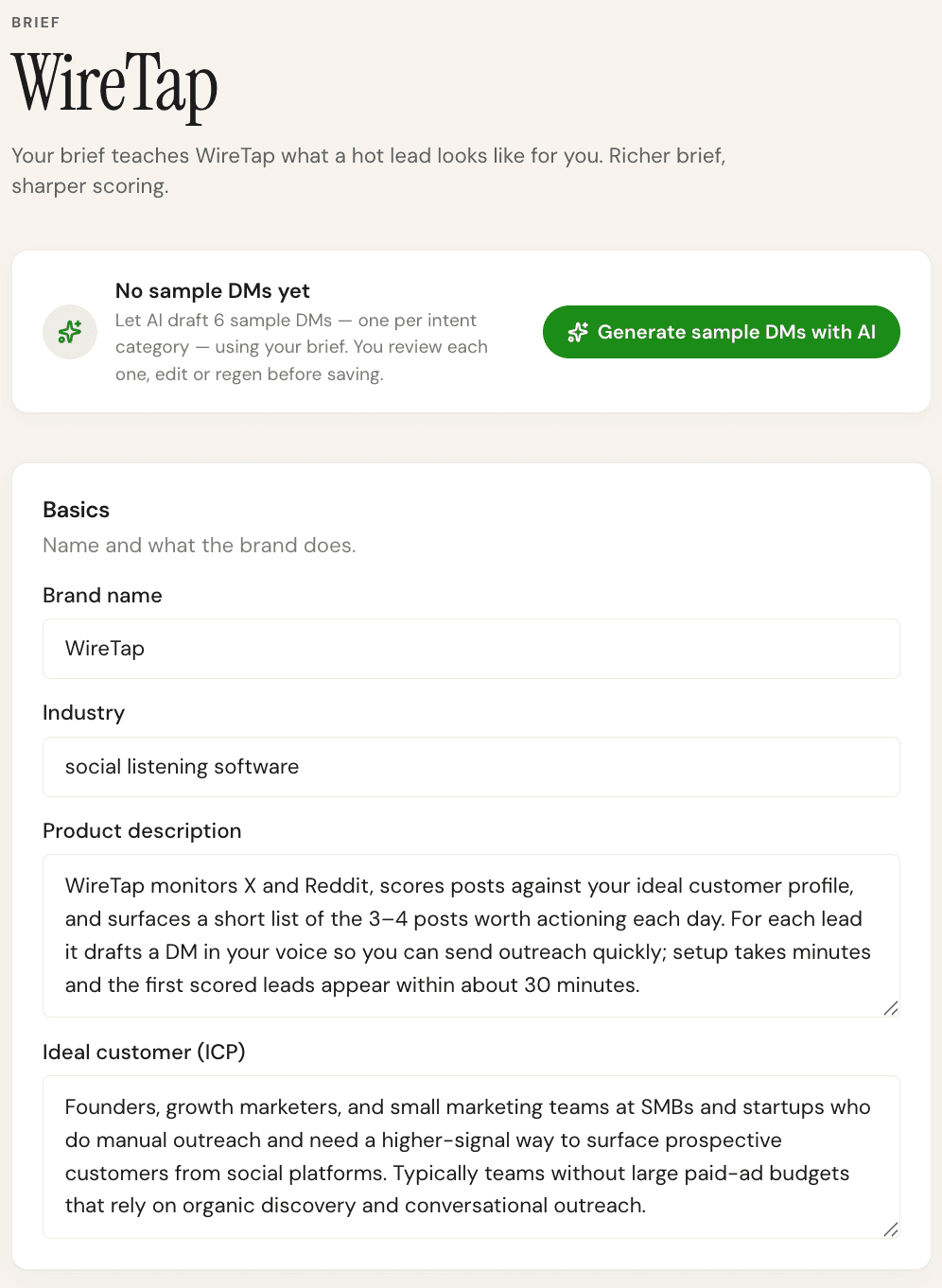
Step 1: Fill in your Brand Brief
Click Brief in the sidebar. You need at minimum: a product description (what you do and who it's for) and an Ideal Customer Profile. Both need to be at least 20 characters. The more specific, the better the AI scores.
Step 2: Add a Monitor
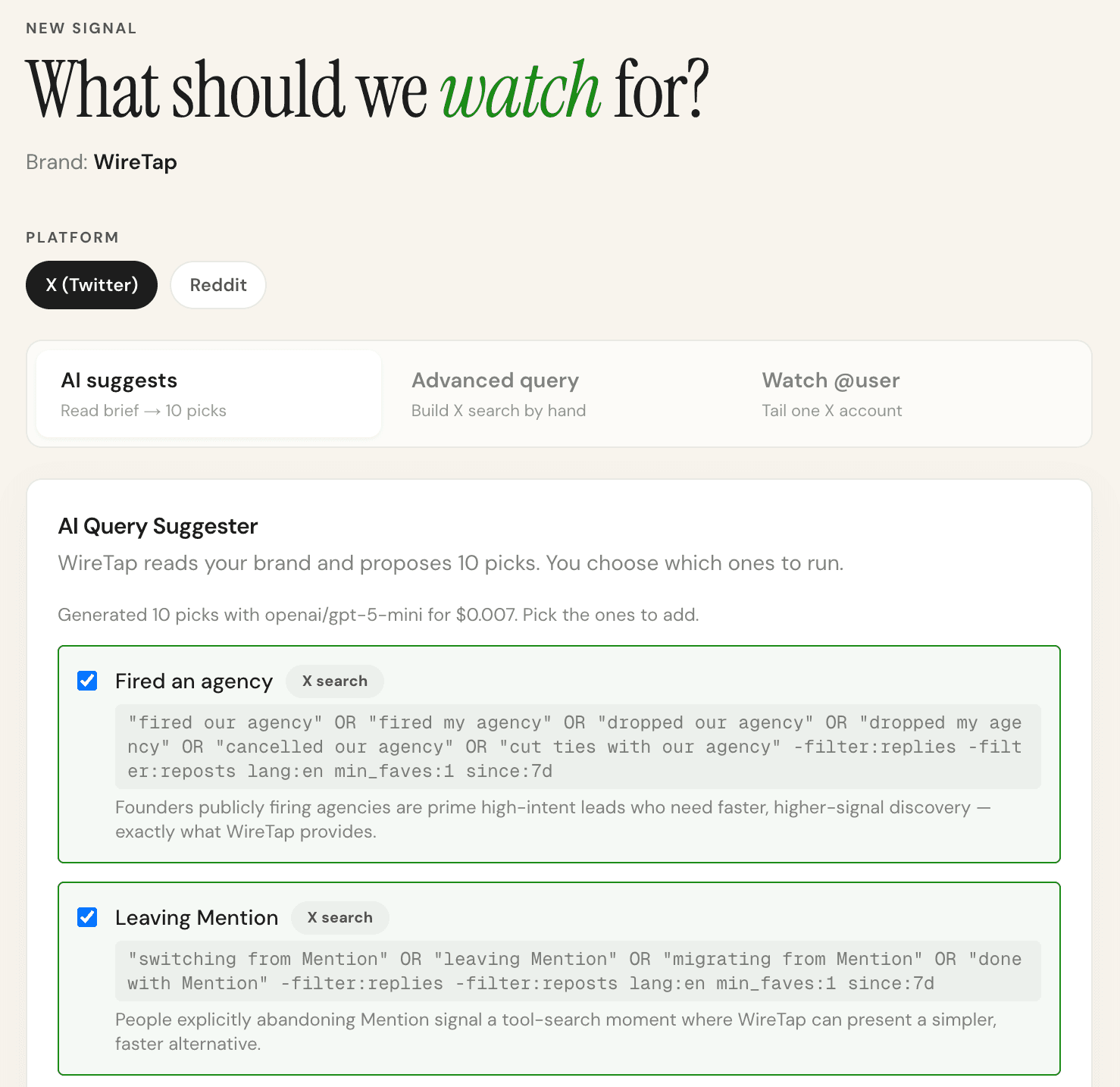
Go to Monitors → New Monitor. You can either write a query yourself or click "Suggest with AI" to get 10 ready-to-use queries generated from your Brief. Pick one or more and activate them.
Step 3: Wait, then check your Feed
Monitors run every 30 minutes. The first fetch happens within 30 minutes of activation. Once posts arrive, they're scored and appear in your Feed sorted by relevance score.
What to do next
- Set up Alerts (Telegram) so you're notified when a high-score post appears
- Add sample replies to your Brief so AI-drafted replies match your voice
- Save your first lead by clicking the bookmark on any post in the Feed